¶ Does this work correctly?
# How to Assign the ELAP Coordinator Signature to OKSDE ELAP in Title III LIEP
#### [Made by Lori Benson with Scribe](https://scribehow.com/o/V9MO1vX4TSiYdTzV417L1A/viewer/How_to_Assign_the_ELAP_Coordinator_Signature_to_OKSDE_ELAP_in_Title_III_LIEP__PUV8Z-NeSiis0Nv7BJjthA)
Learn how to assign signatures to filtered students within the Title III LIEP Module. This guide shows how to sign as the ELAP Coordinator in bulk to filtered students.
1. Navigate toEduSkills
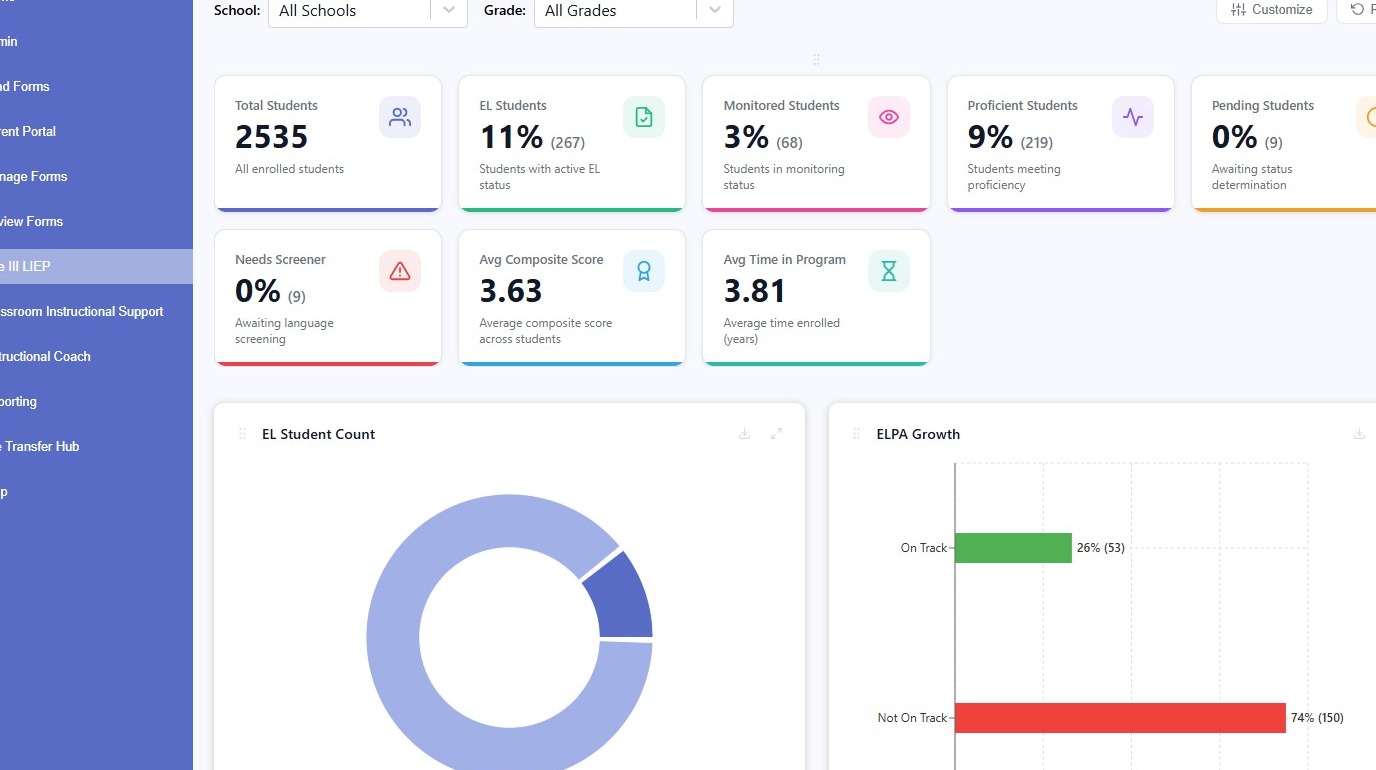
¶ Student Filtering
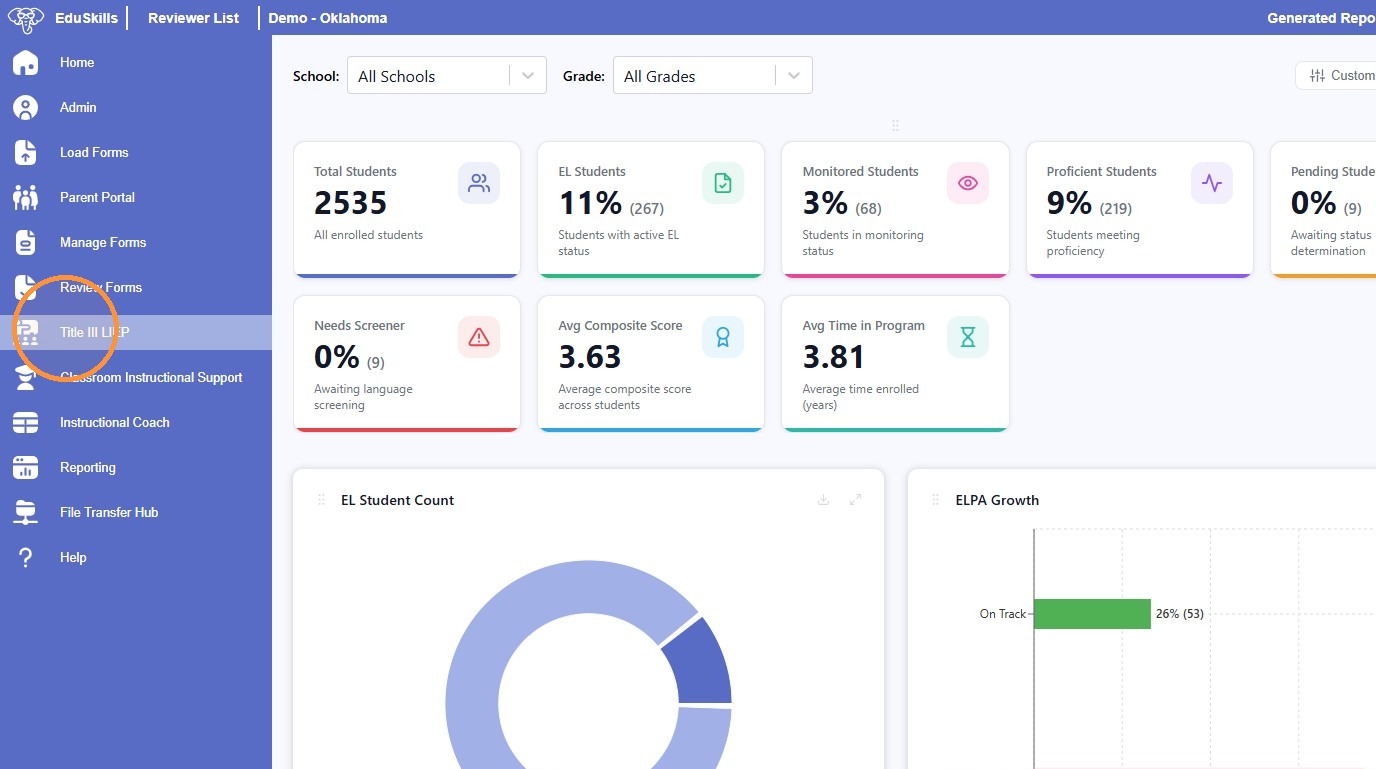
2. Click "Title III LIEP"
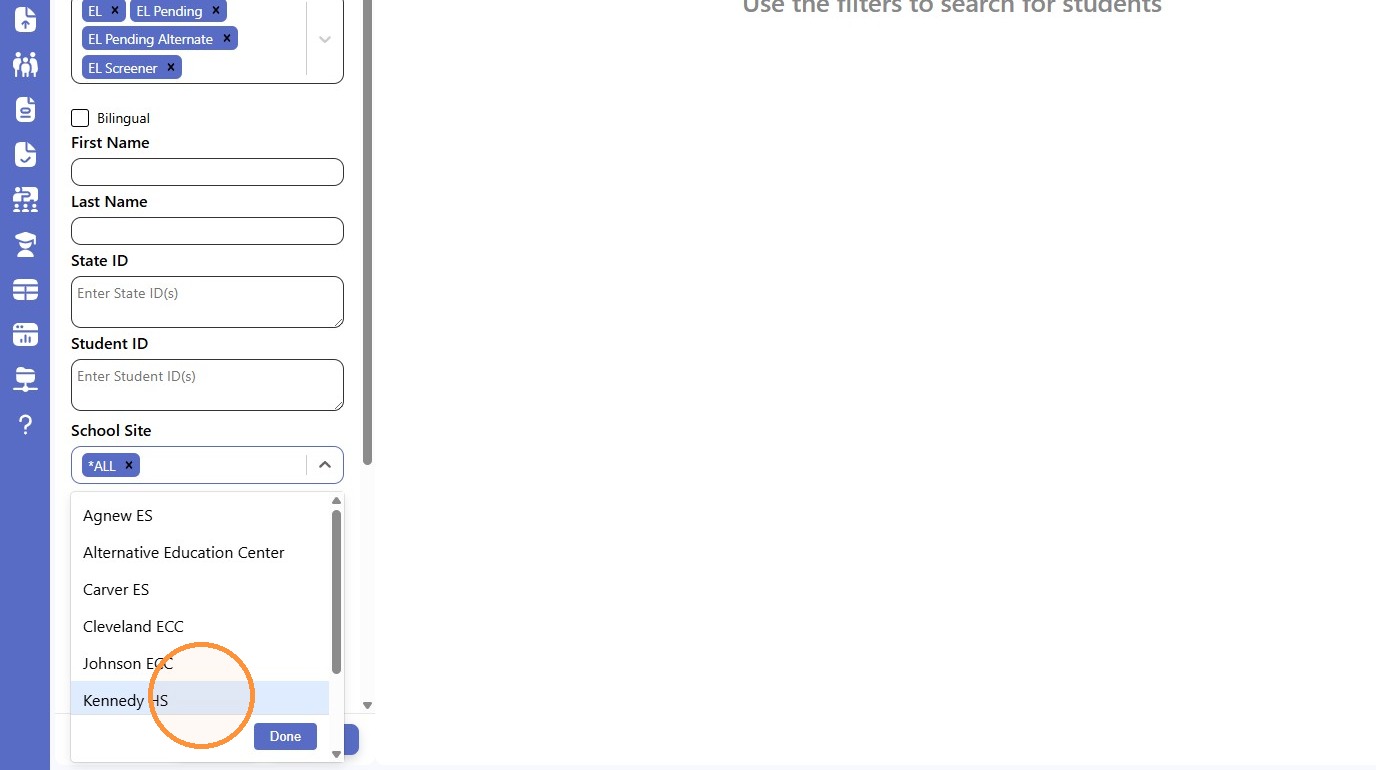
3. Select your filtered students. This example shows filtering by School Site.
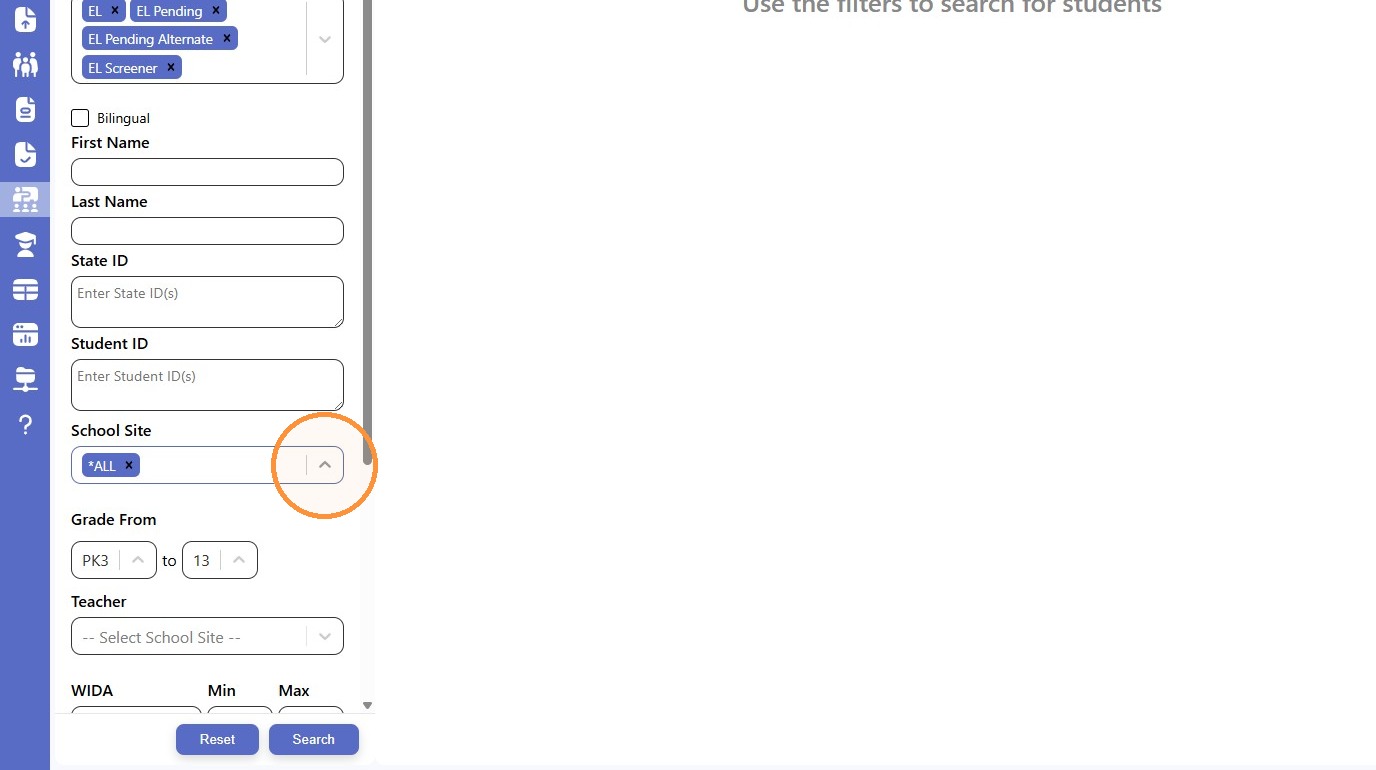
4. Click "Kennedy HS"
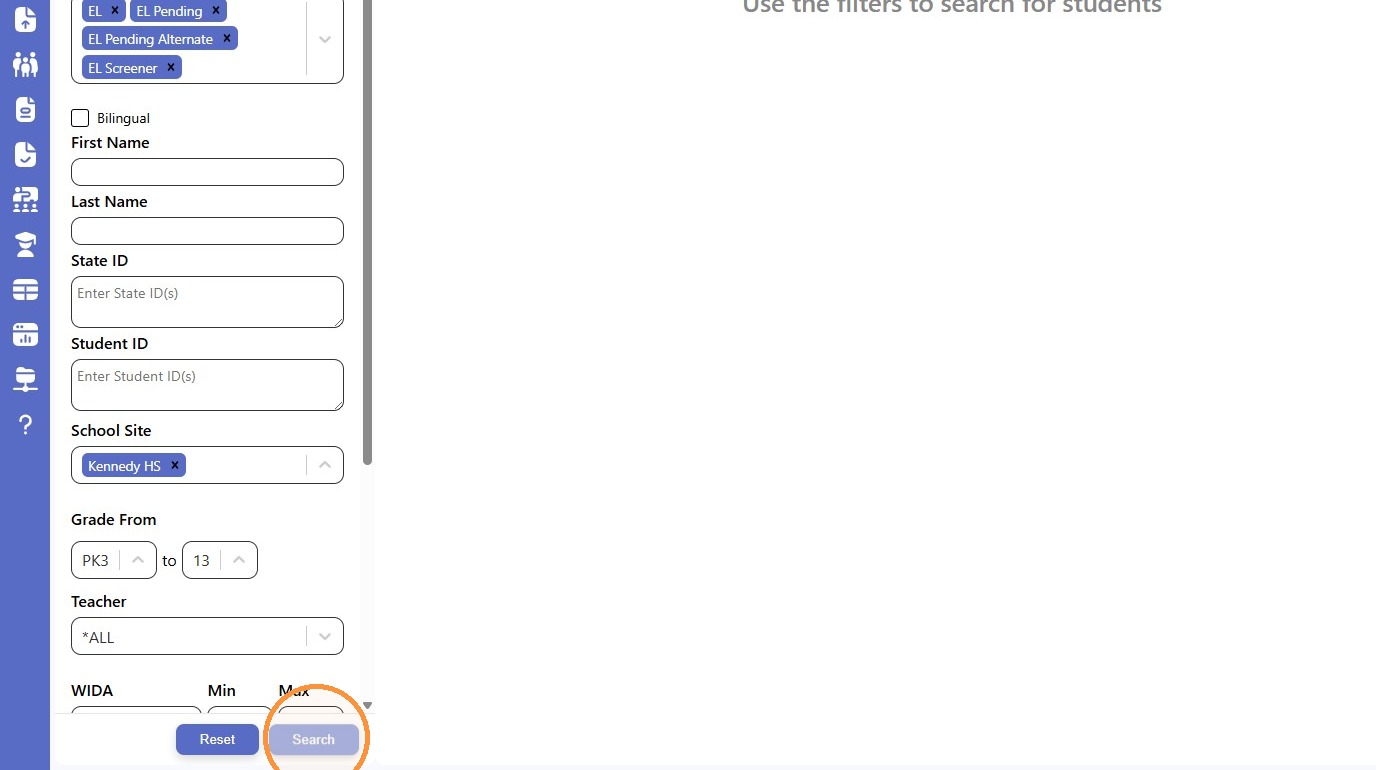
5. Click "Search"
¶ Action Configuration
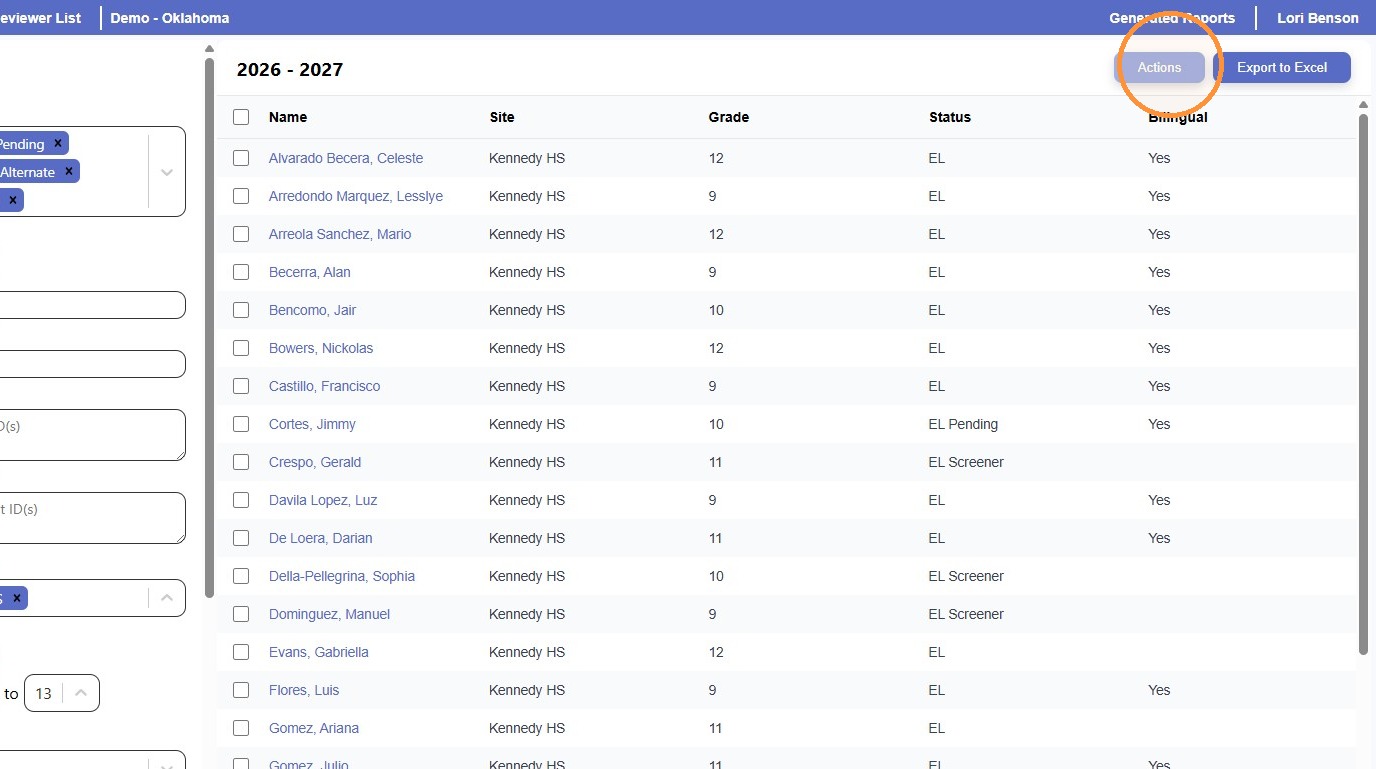
6. Click "Actions"
7. Click this icon to select the Action Type
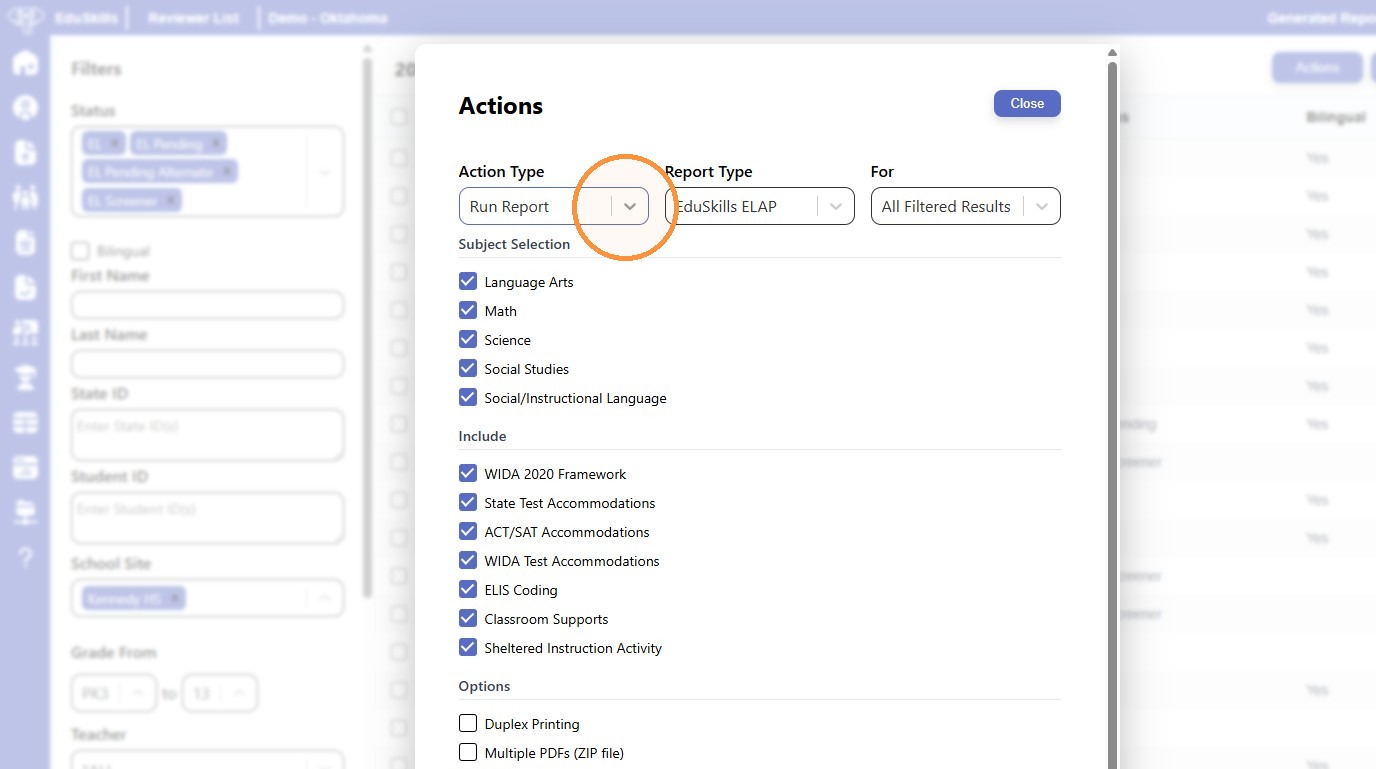
8. Select "Update LIEP Data"
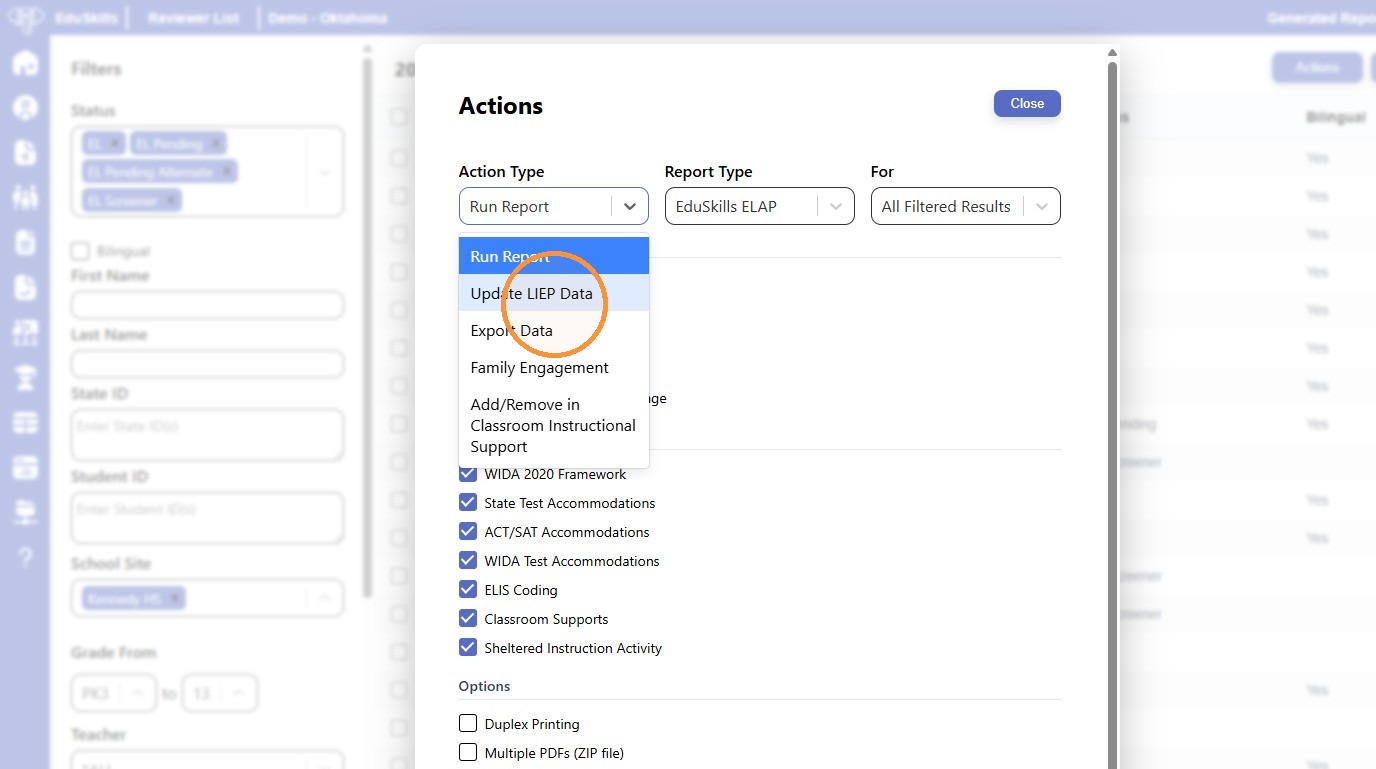
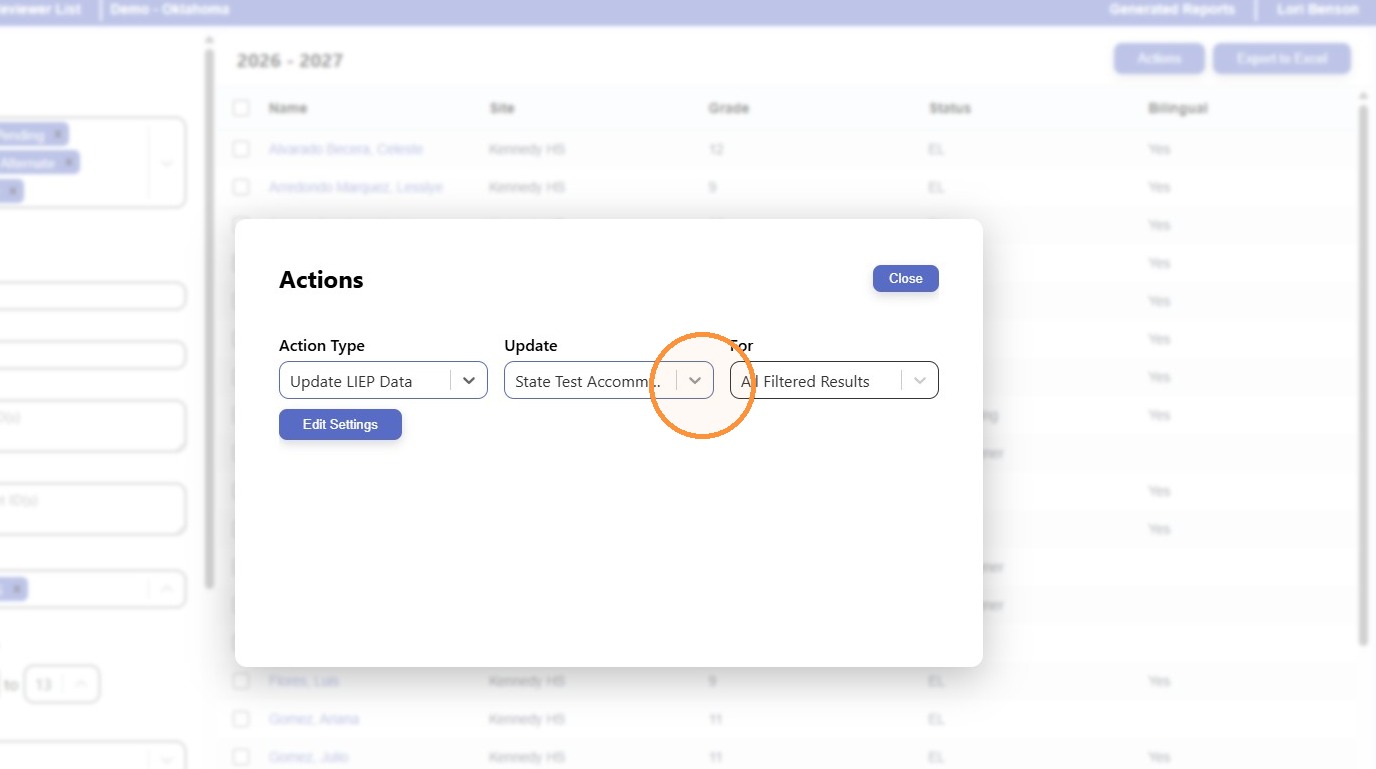
9. Click this icon to choose what you are going to update.
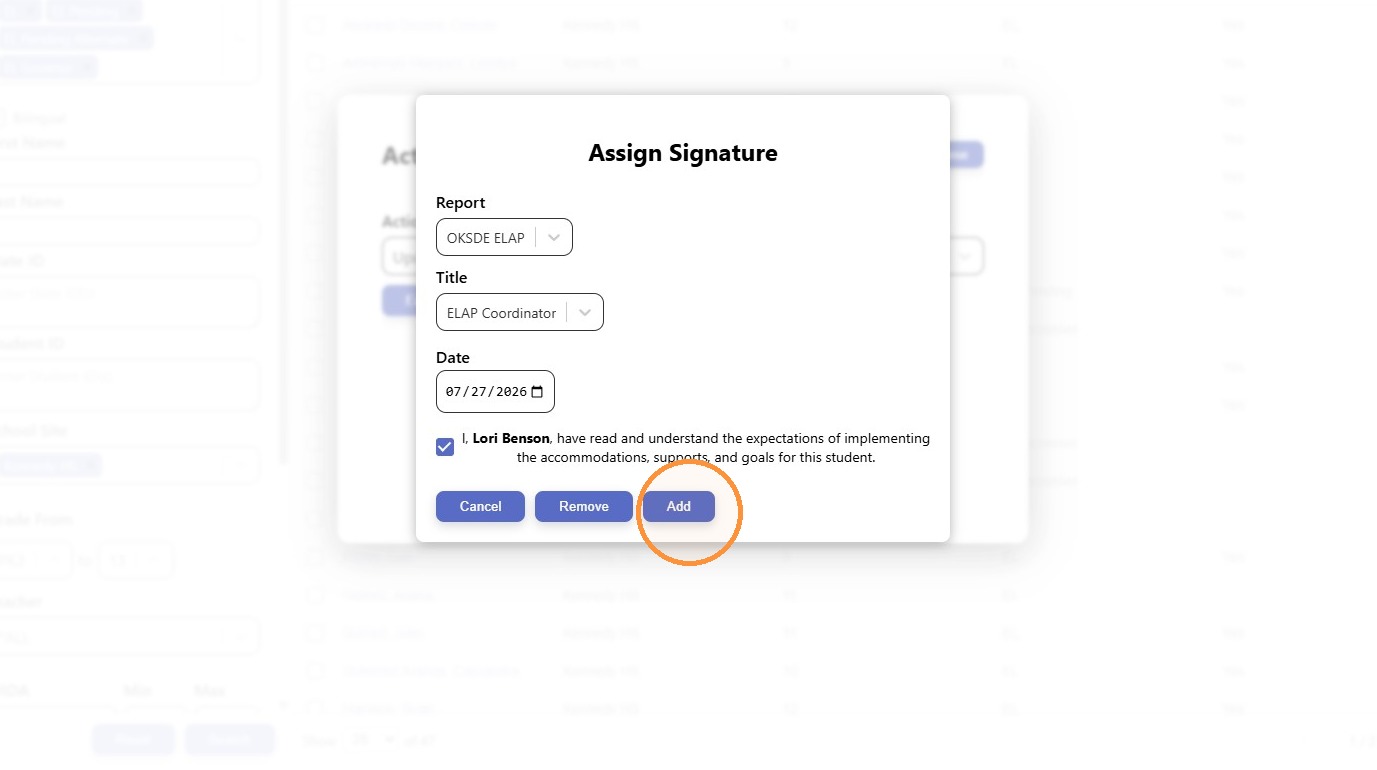
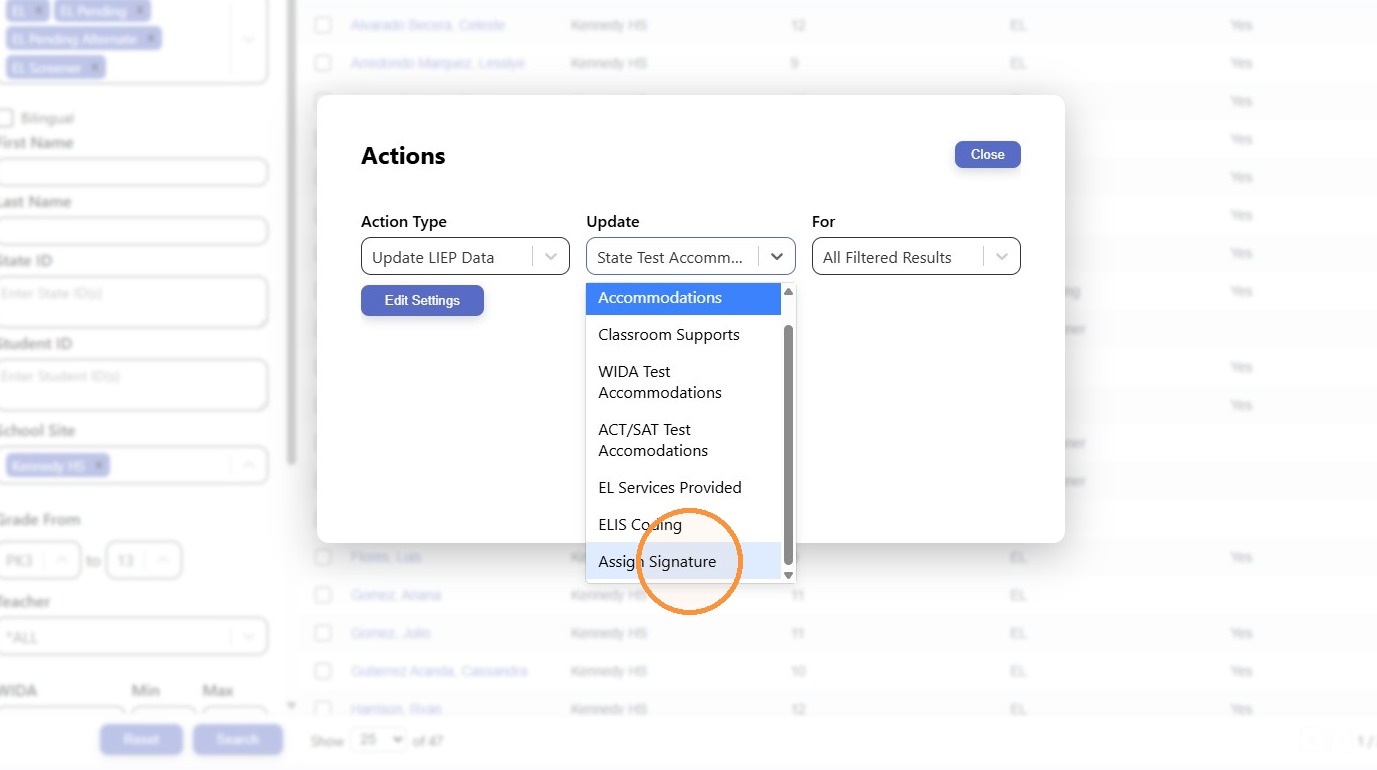
10. Click "Assign Signature"
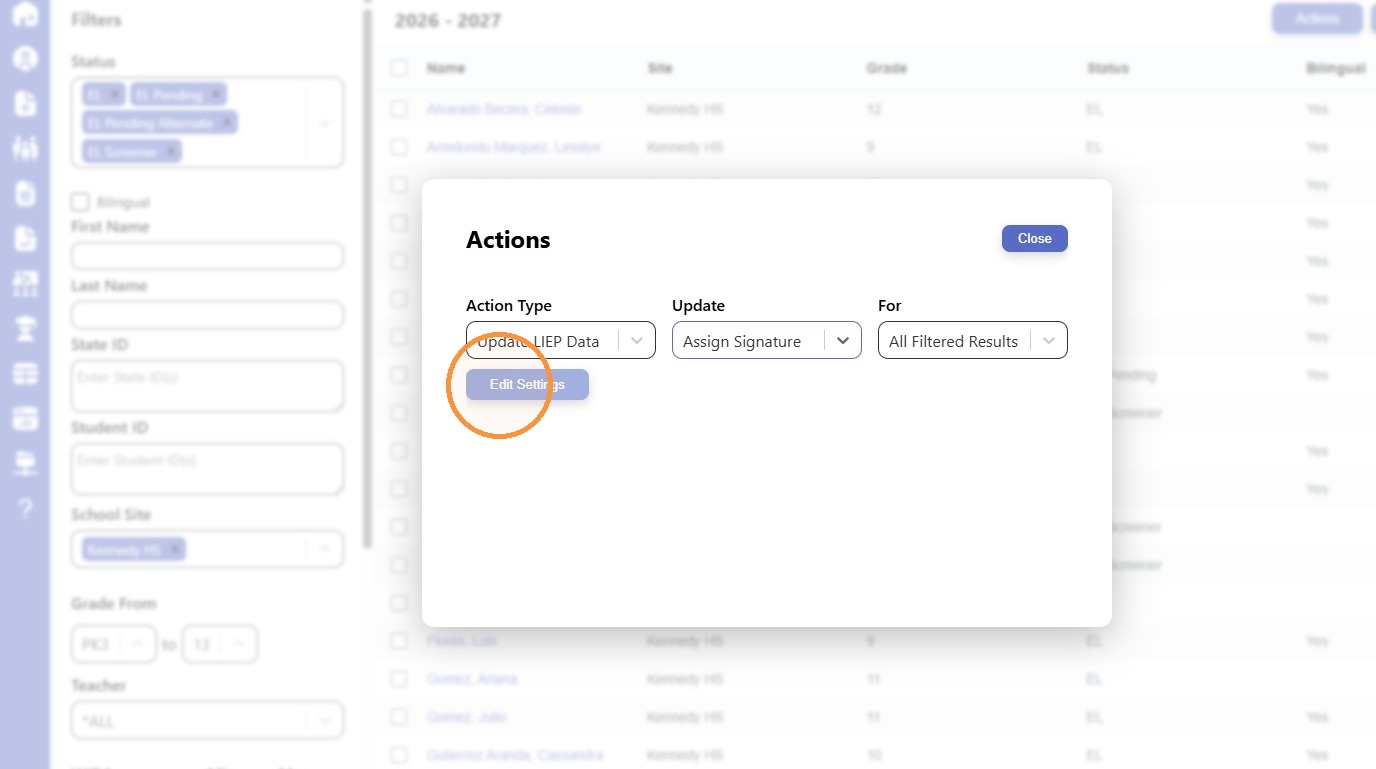
11. Click "Edit Settings"
¶ Signature Assignment
12. Click here to select your title (ELAP Coordinator)
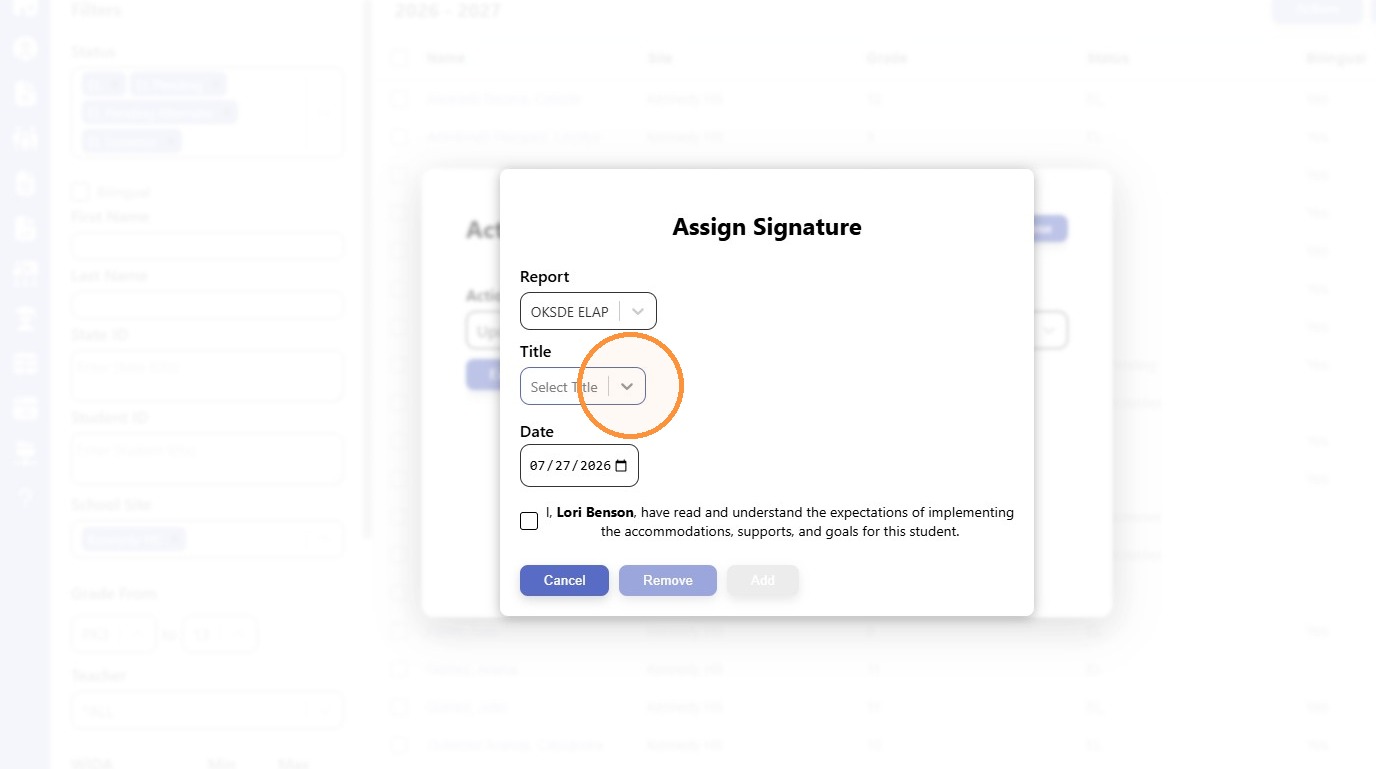
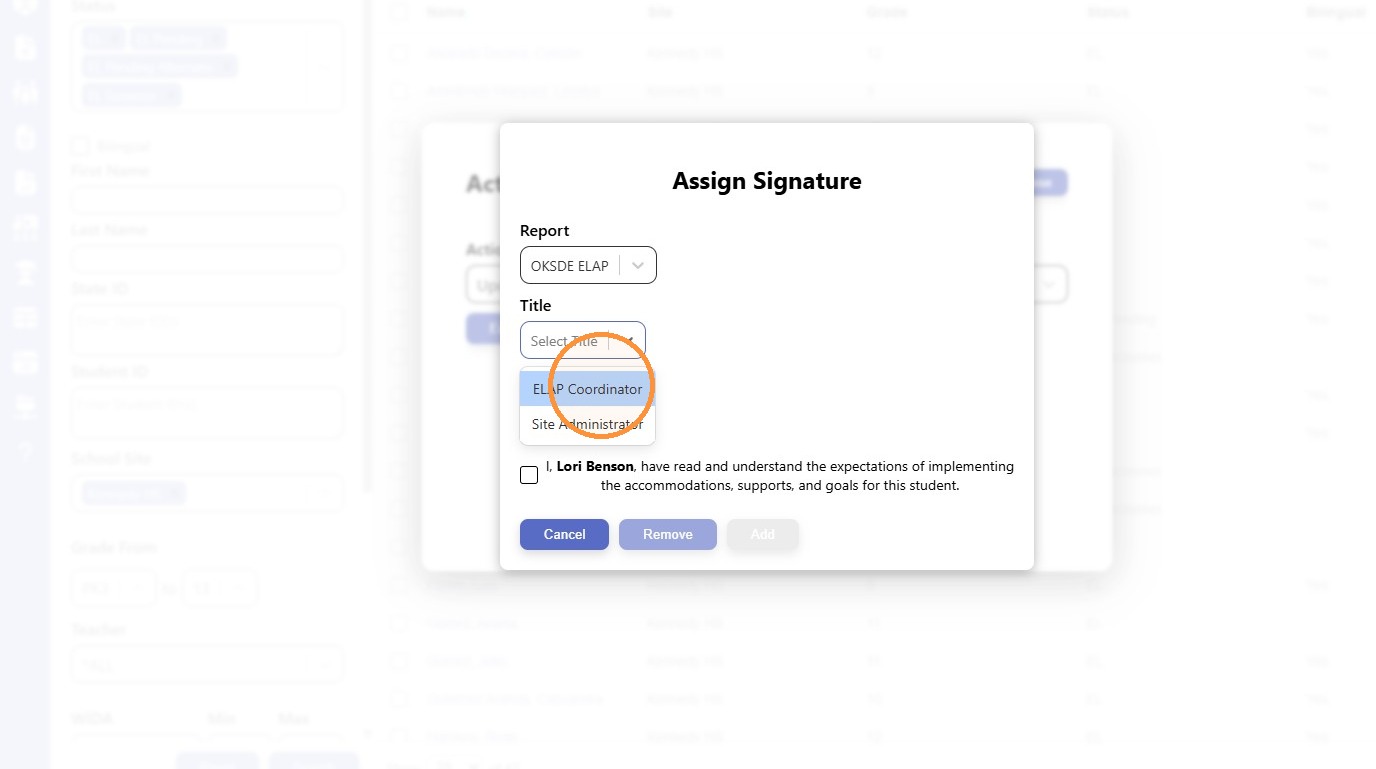
13. Click "ELAP Coordinator"
14. Click here to acknowledge you understand the expectations of implementation.
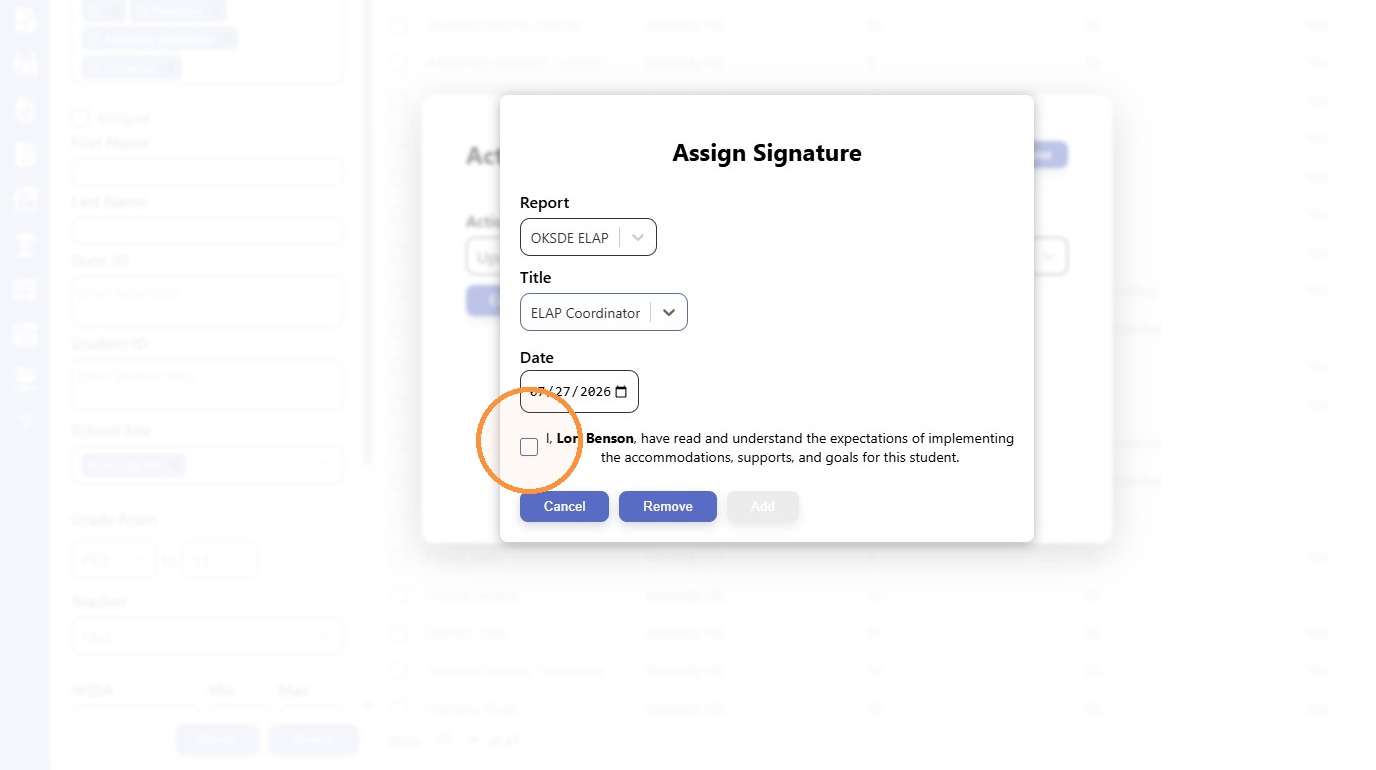
15. Click "Add"